Support Appointment Form
Please fill out the following information so we can provide you with timely phone support.



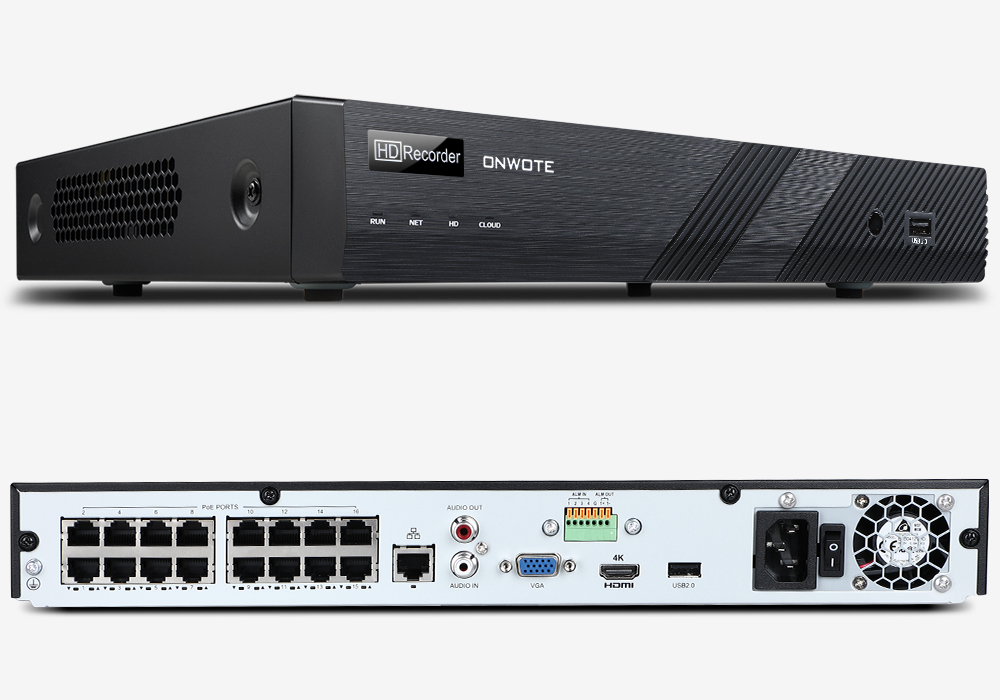
NVR does not power on
Please use a FAT32 format USB thumb drive(please right click on the USB drive, choose Properties to check the format), no more than 32GB to upgrade the NVR to fix this issue.
1. Please create a folder in the USB drive, name the folder as recover.
2. Please download the firmware Program.bin here and copy it to the recover folder you create in the USB drive:
https://drive.google.com/file/d/107pWB2uJZWBIEsqQK_ItGO7OECOmqq0u/view?usp=sharing
The folder must be "recover" and the firmware must be "Program.bin". Please don't change them.
3. Insert the USB disk into the USB port on the back panle of the NVR. Power off the NVR and power on it again. NVR will upgrade itself automatically. Please don't cut off power while upgrading.
4. The upgrading may last for a few minutes, you will hear beep from the NVR once the upgrading is finished. Please unplug the USB disk, power off the NVR and power on it. The NVR will back to normal.