Support Appointment Form
Please fill out the following information so we can provide you with timely phone support.


Access NVR using browser remotely


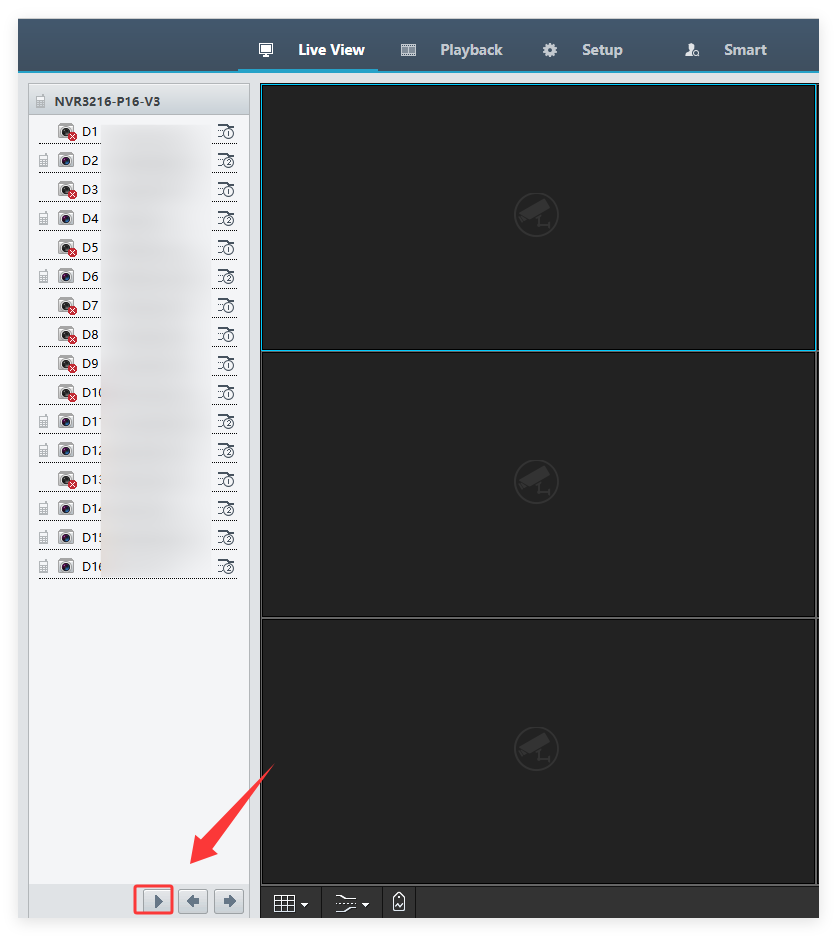
4. Go back to www.star4live.com and login again. Click  to go to the live view page.

5. Download another web plugin and refresh the page.

6. Click  in the lower left corner to view video.