Support Appointment Form
Please fill out the following information so we can provide you with timely phone support.



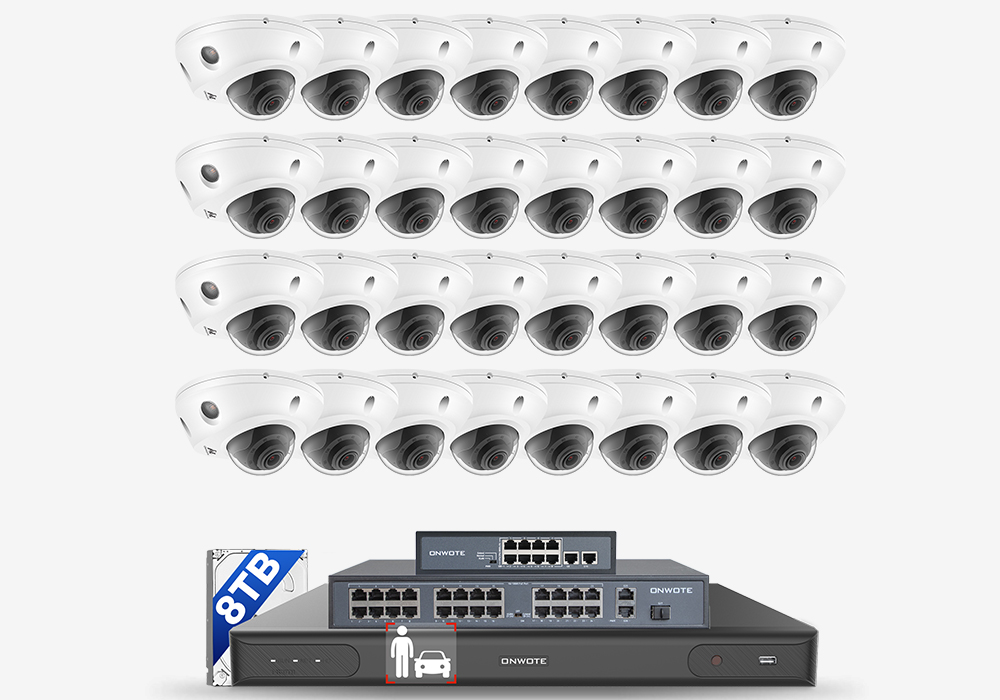
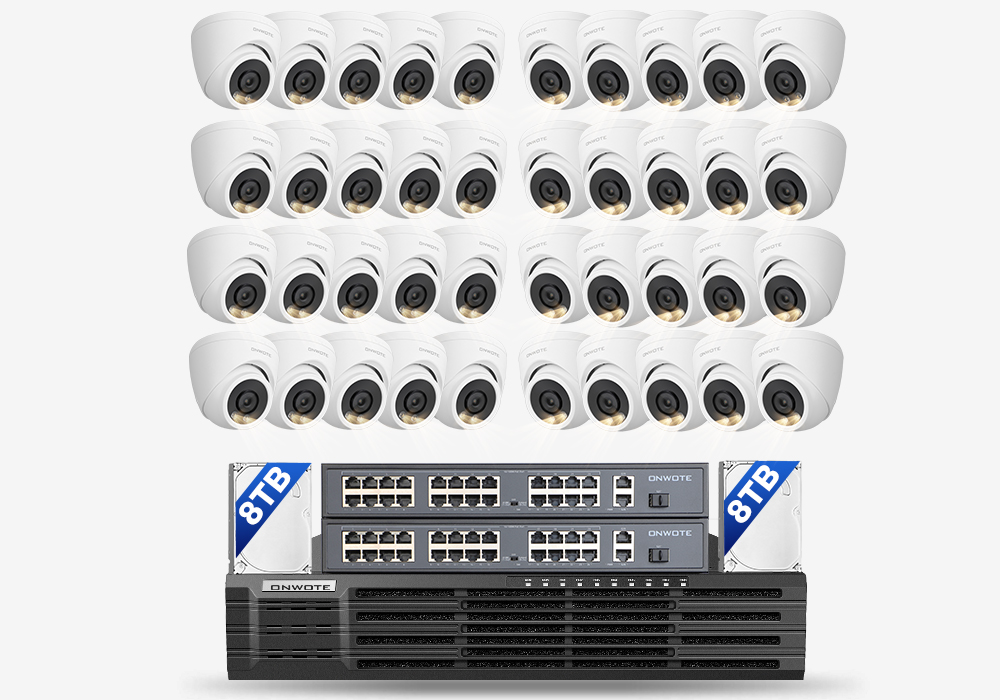
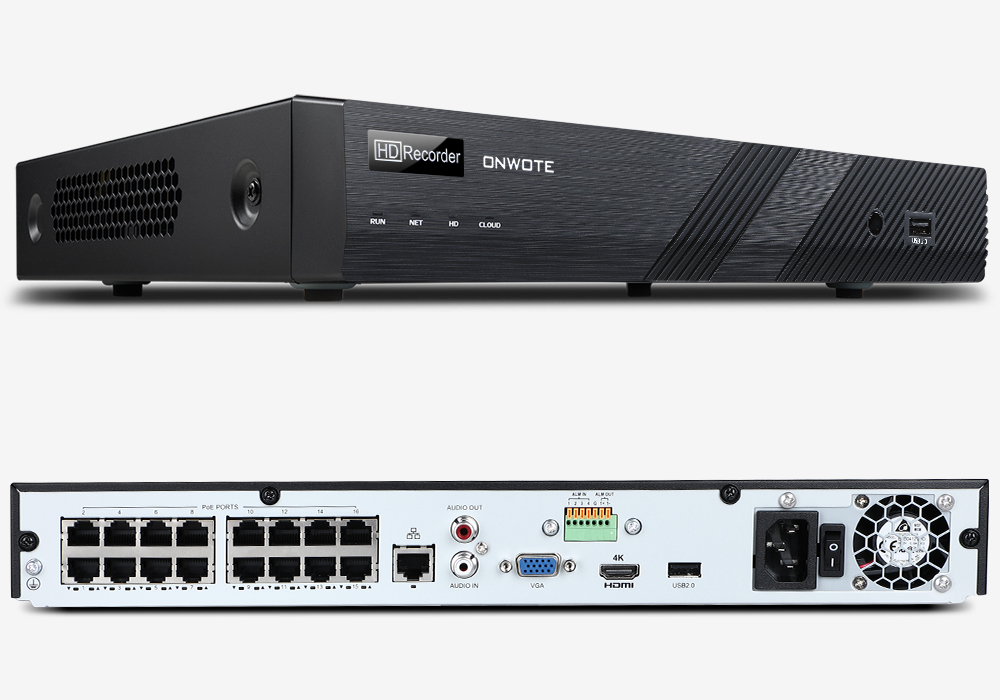
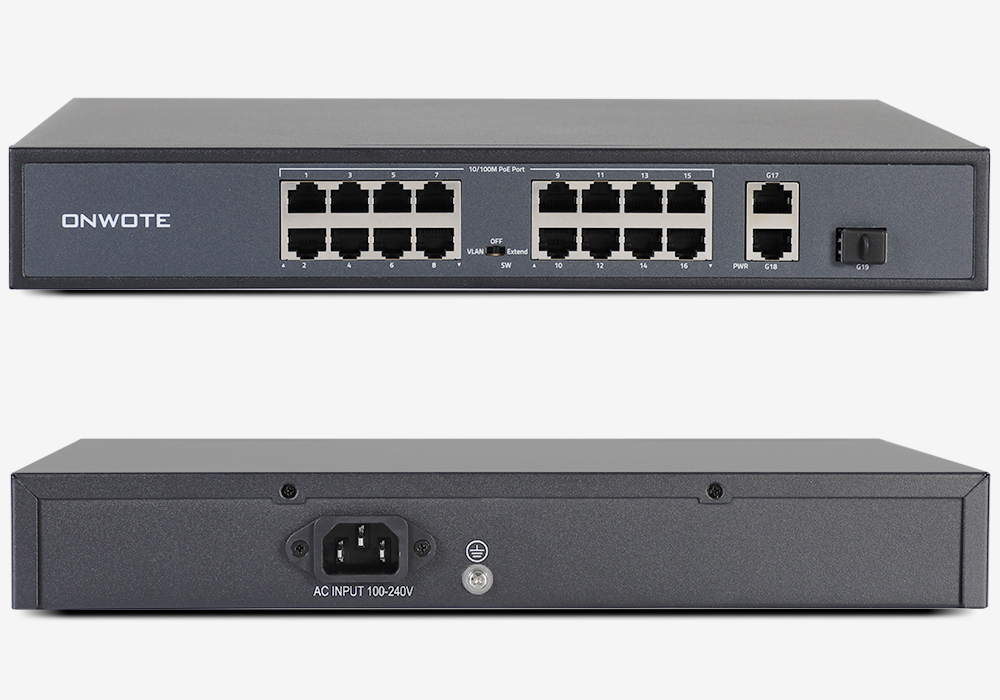
How to use your 8CH/16CH PoE system with PoE switch
1. Connect the PoE switches one by one, then connect one of the PoE switche and the NVR with the same router or network switch.

2. Change the cameras IP to the same segment with your router.
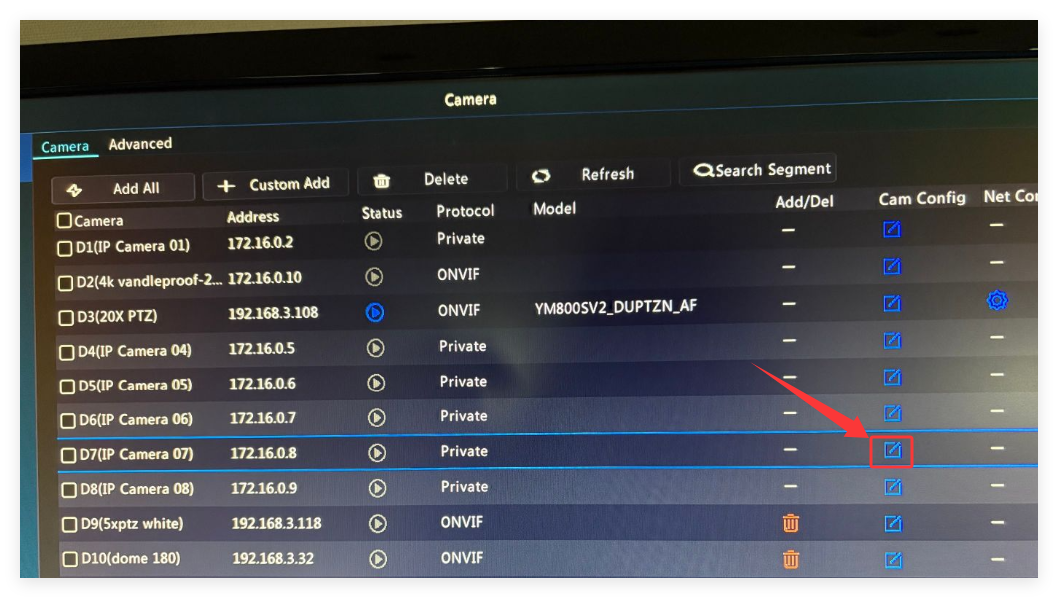
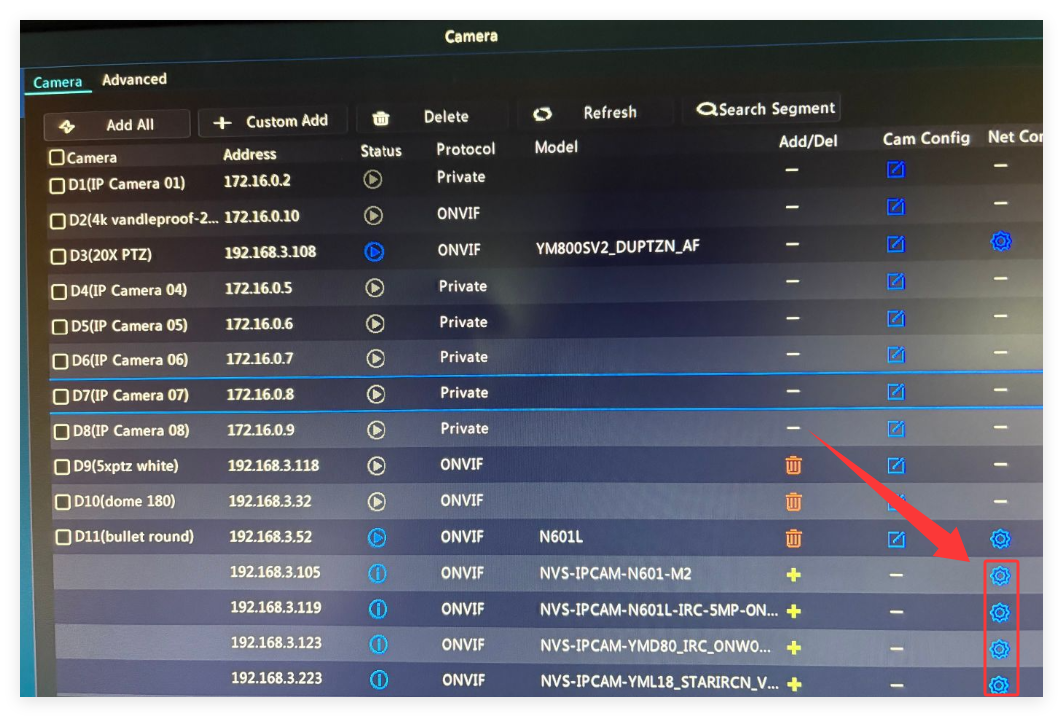
Right clcik your NVR mouse, choose Menu, click Camera on the left,. Slide download to the bottom, NVR will show you all the camera connected on the poe switch.
Click  on the right side of the camera to change the camera ip address, click Apply to save the changes.
e.g.: If the gateway of your router is 192.168.1.1, please change the camera’s IP to 192.168.1.X(X can be numbers from 50-100, but each camera has a different numbers).

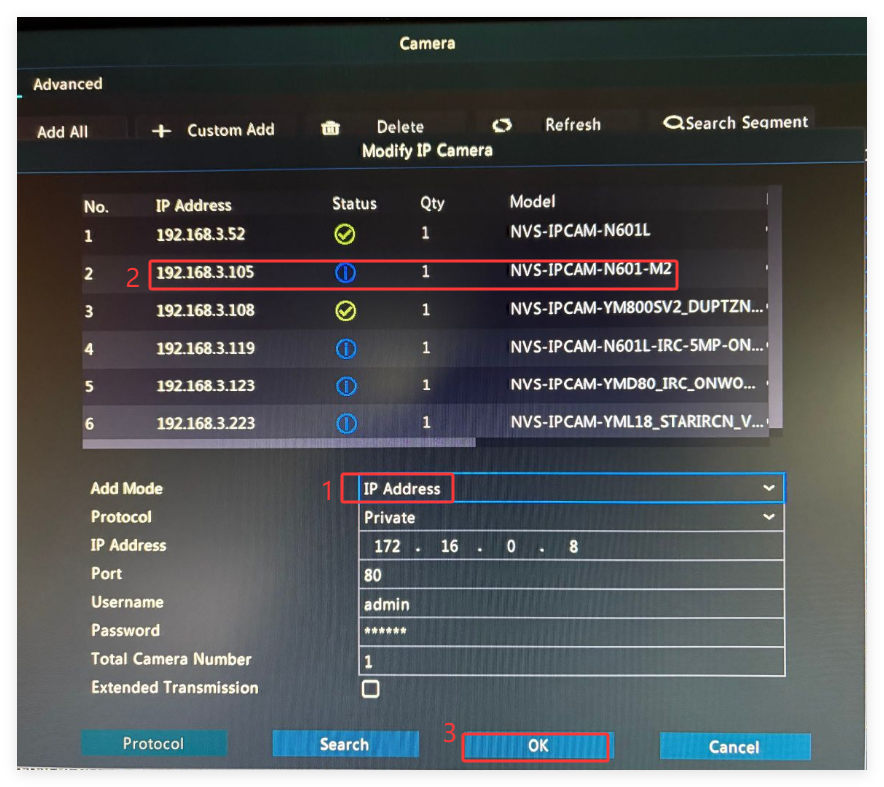
3. Add cameras on NVR
 on the right side