Support Appointment Form
Please fill out the following information so we can provide you with timely phone support.



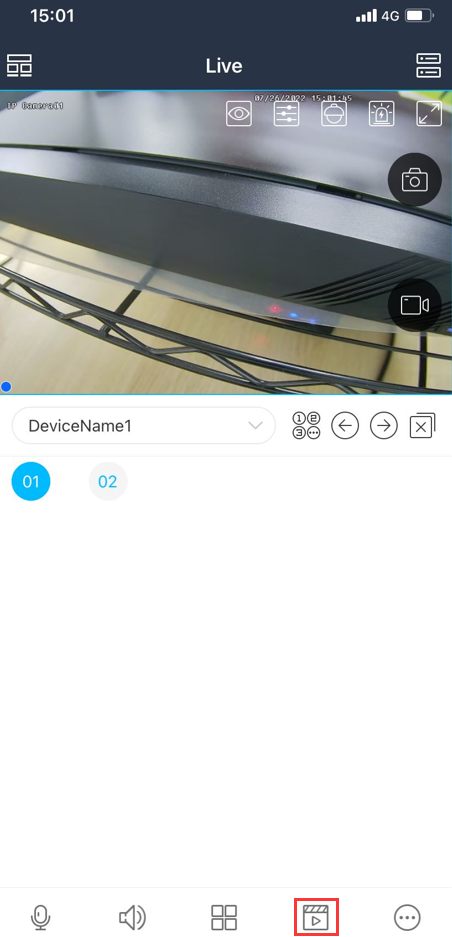
View video on mobile app SuperLive plus
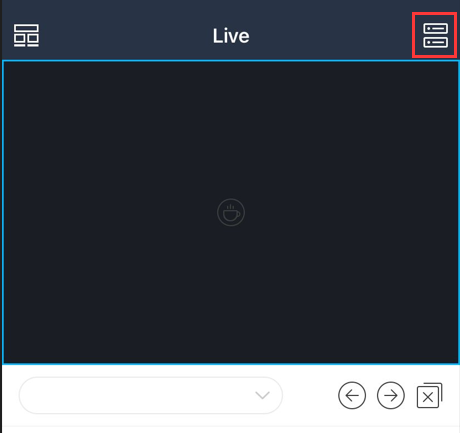
 and choose Scan code to add.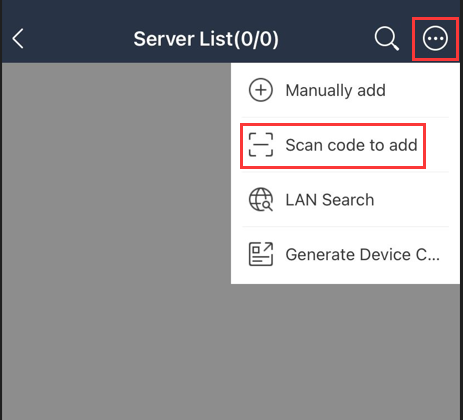
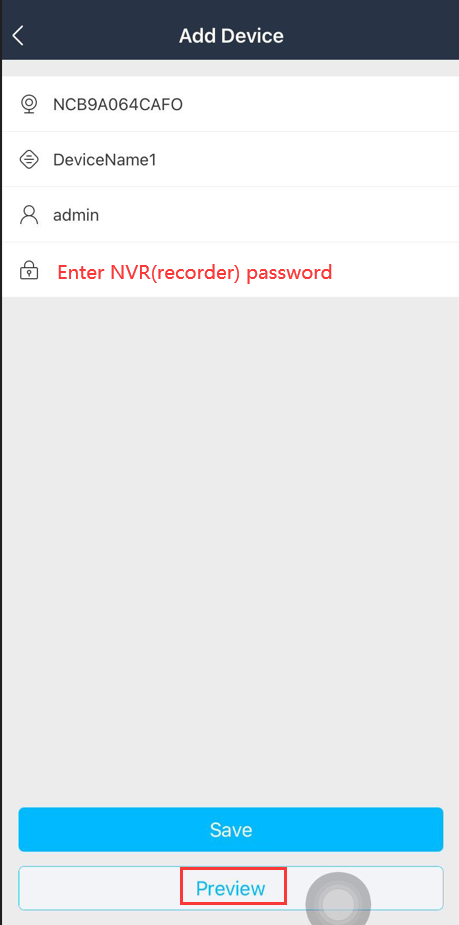
 to view video in full screen.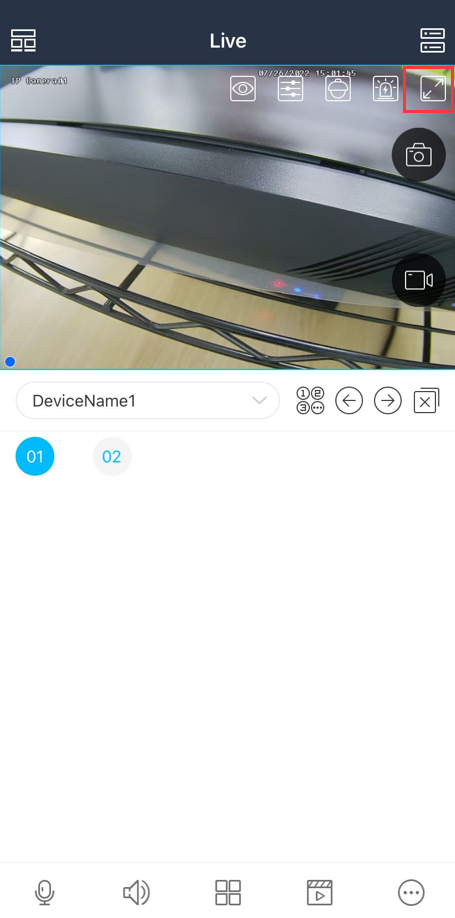
 and choose Super definition; Super definition mode requires higher internet speed.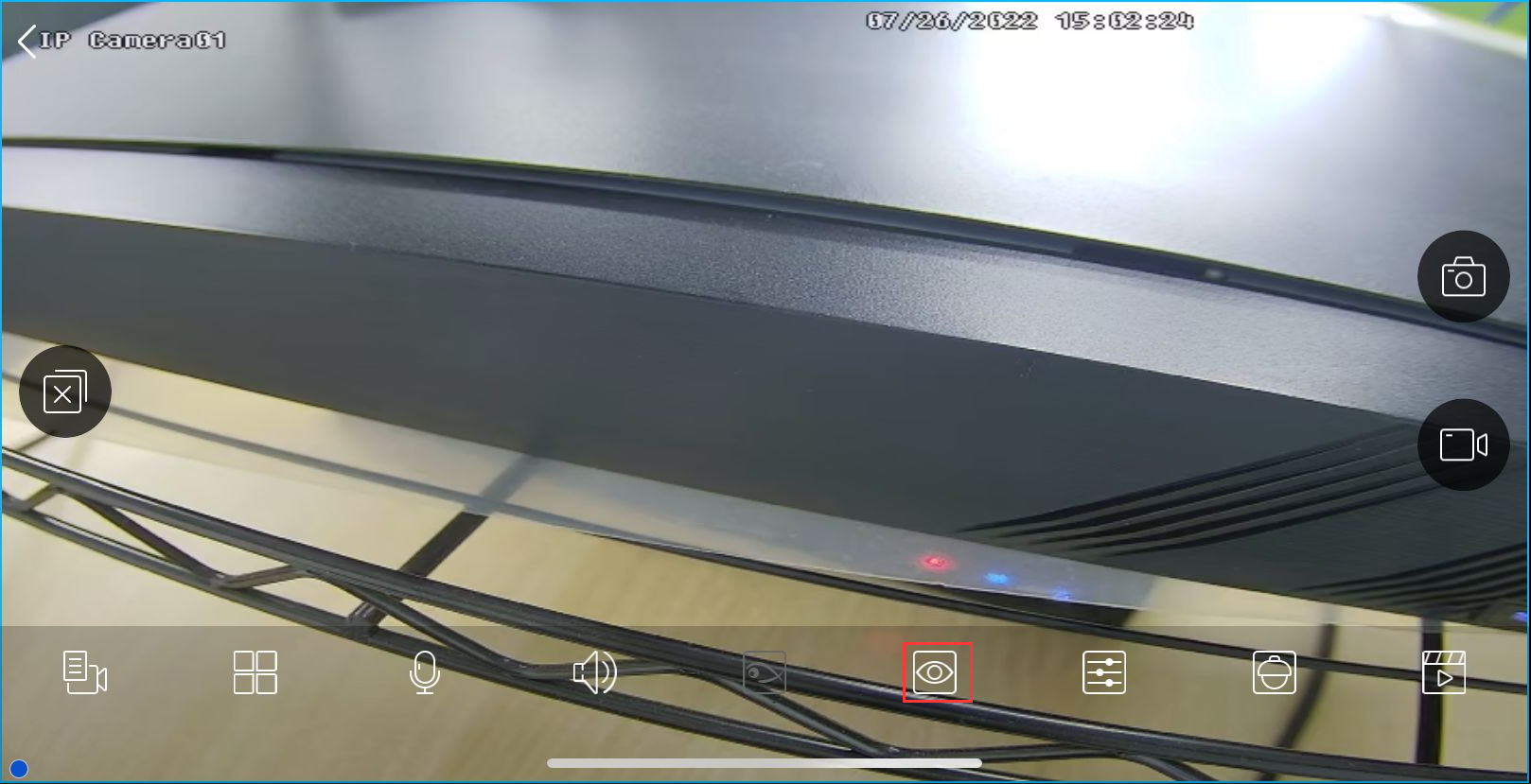
Click the playback button  to playback.