Support Appointment Form
Please fill out the following information so we can provide you with timely phone support.
Do you have any suggestions about:
8CH
16CH
32CH
64CH
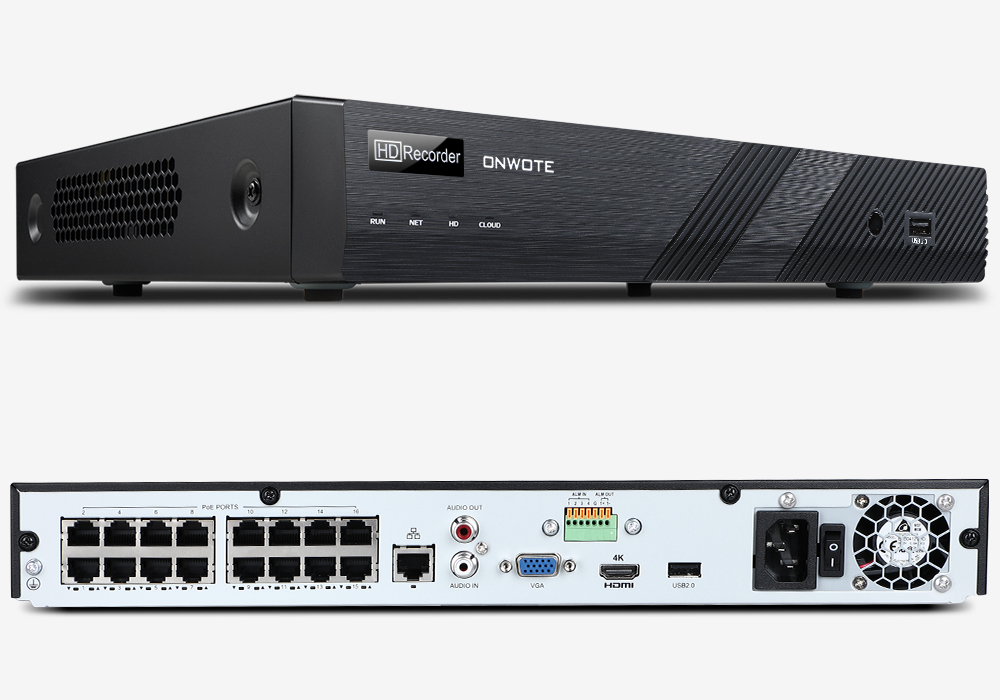
NVR
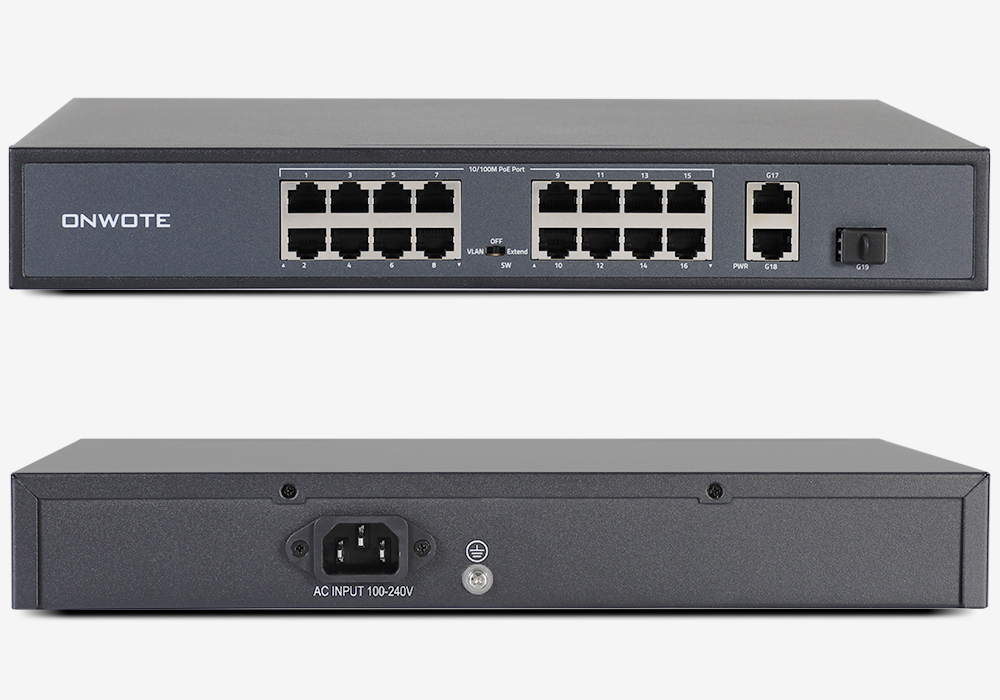
PoE Switch
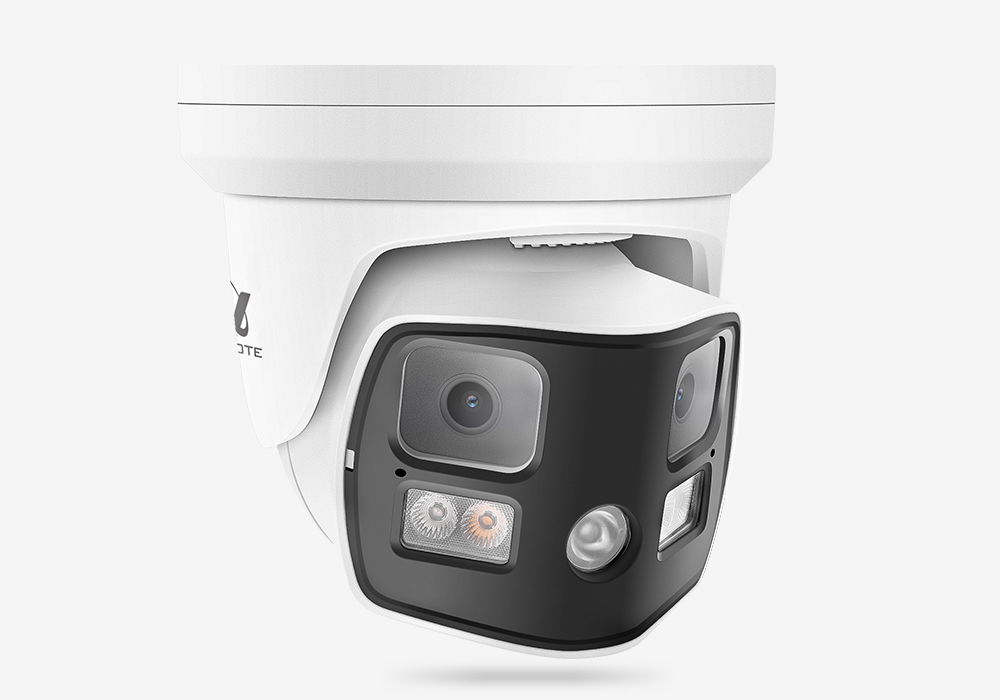
8K 16 MP Camera
6K 12MP Camera
4K 8MP Camera
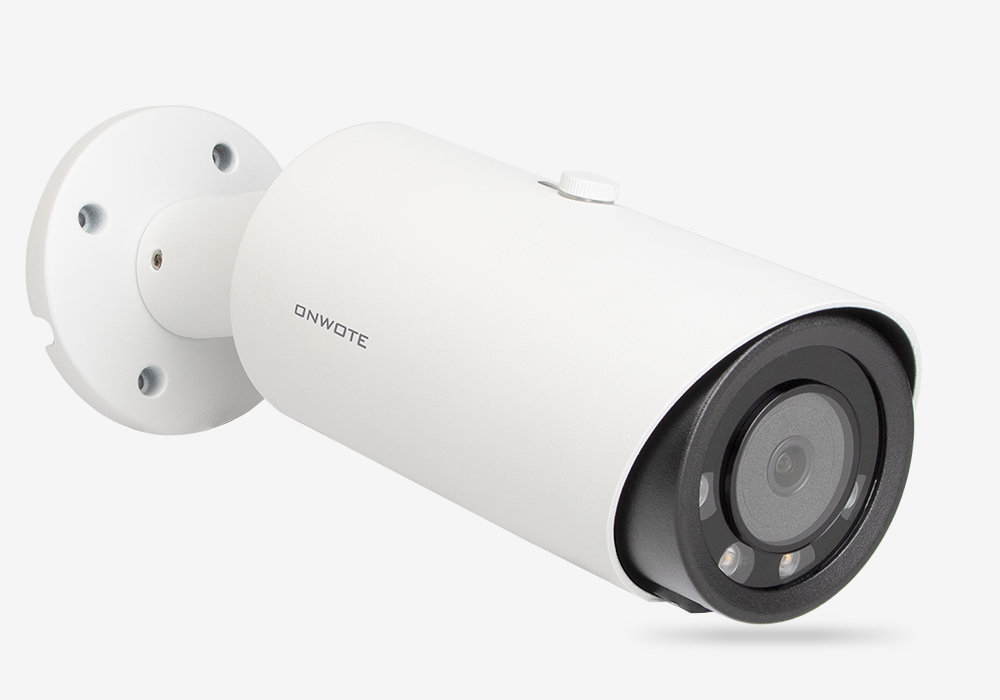
3K 6MP Camera
5MP Camera
4MP Camera
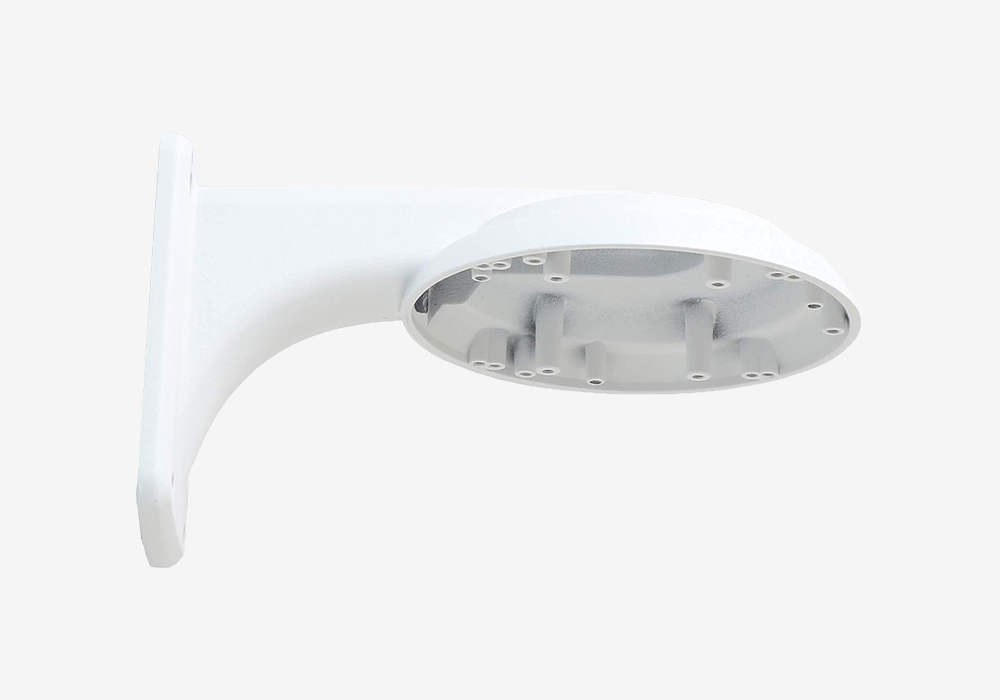
Bracket
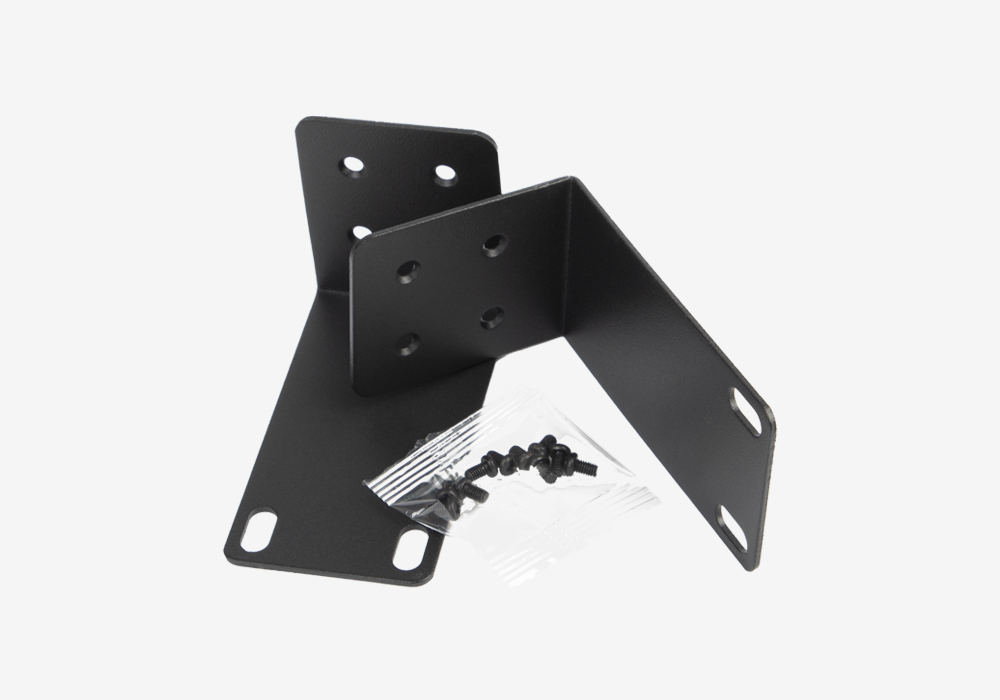
Mounting Ear
Sata Cable and Power Cable for Hard Drive
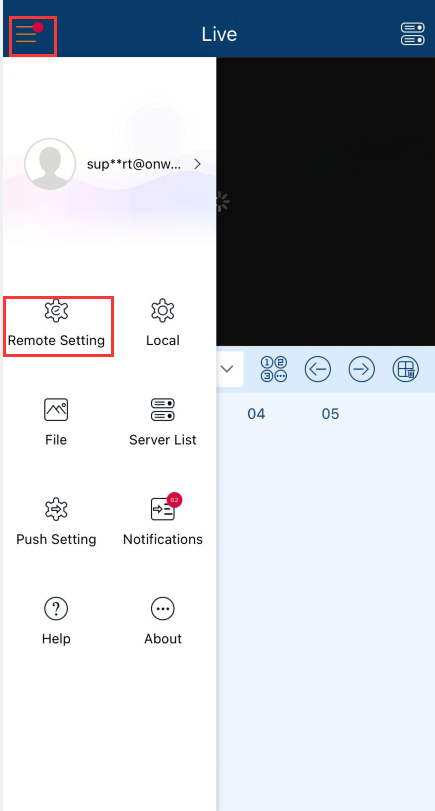
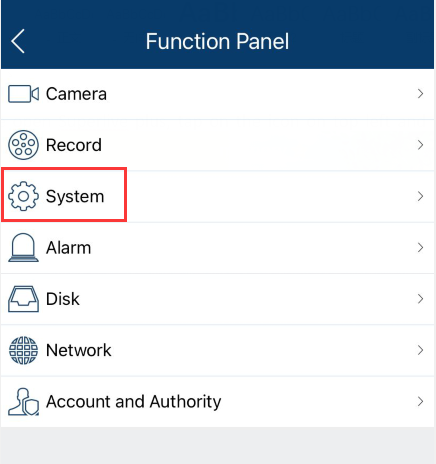
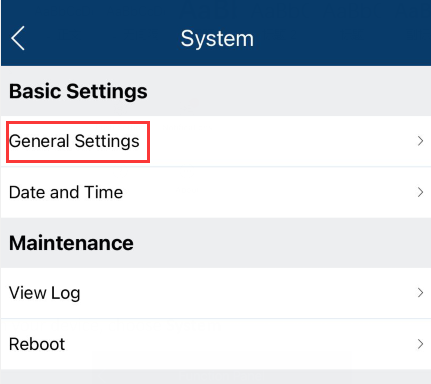
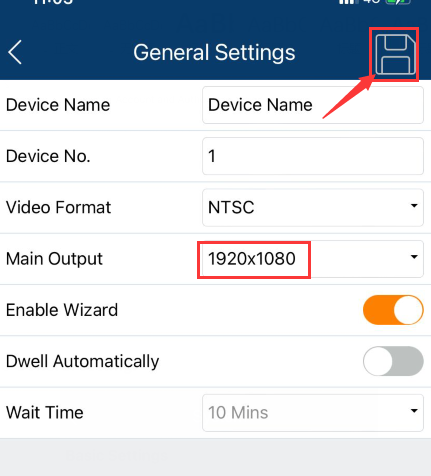
How to change NVR output resolution on App
Share this product with friends