Support Appointment Form
Please fill out the following information so we can provide you with timely phone support.



How to do if my cameras cannot turn to night vision mode
1. Right click your mouse on NVR monitor, choose Menu—Network—TCP/IP to get the IP address of your system.
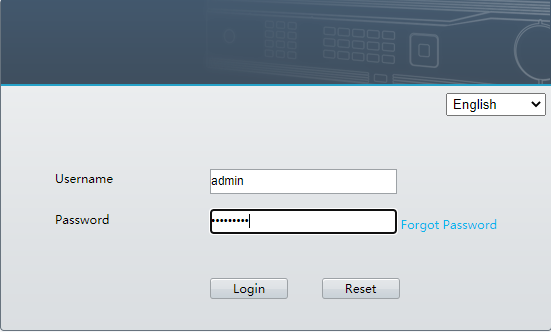
2. Please login this IP address using browser on computer/laptop.
Username: admin Password: the password you set for the security system
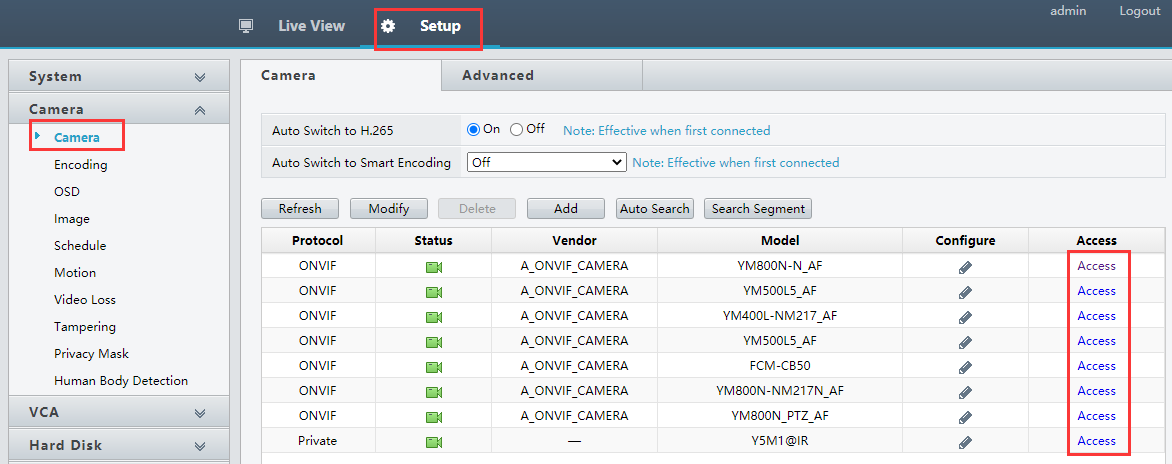
3. Choose Setup—Camera, click Access behind the cameras
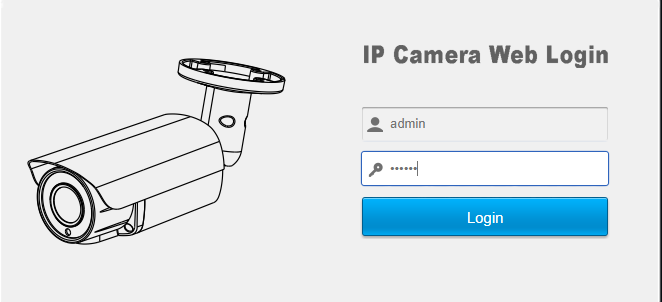
4. You will be forwarded to the camera login page.
Username: admin Password: 123456
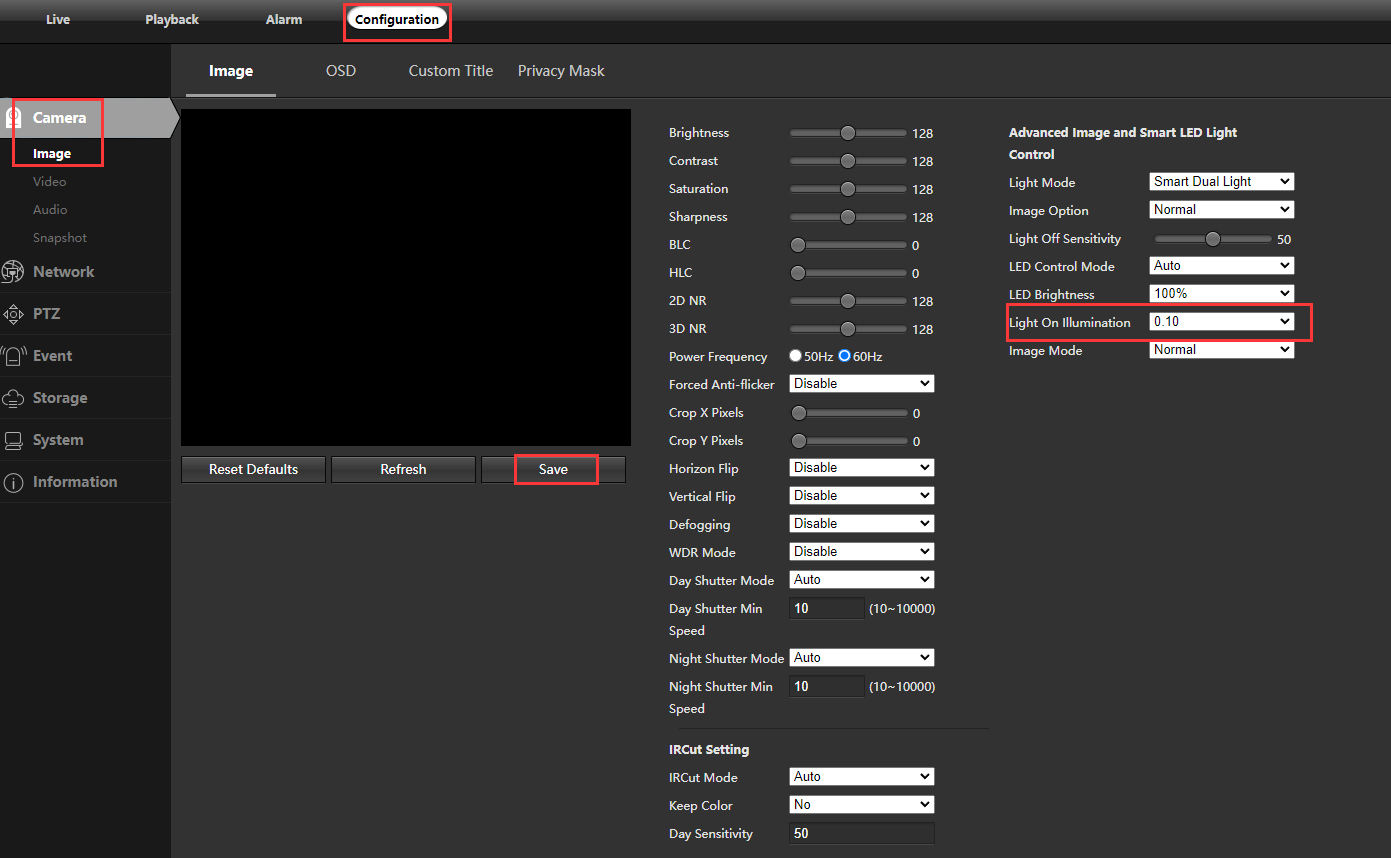
4. Choose Configuration—Camera—Image. Change the Light on Illumination, then click Save to save changes. The higher Light on Illumination you change, the earlier the IR lights will turn on, the earlier your camera will change to night vision mode.