Support Appointment Form
Please fill out the following information so we can provide you with timely phone support.



Why I can only view video on phone with my local wifi?
1. Run GuardViewer or Elink on the mobile, delete the device you added.
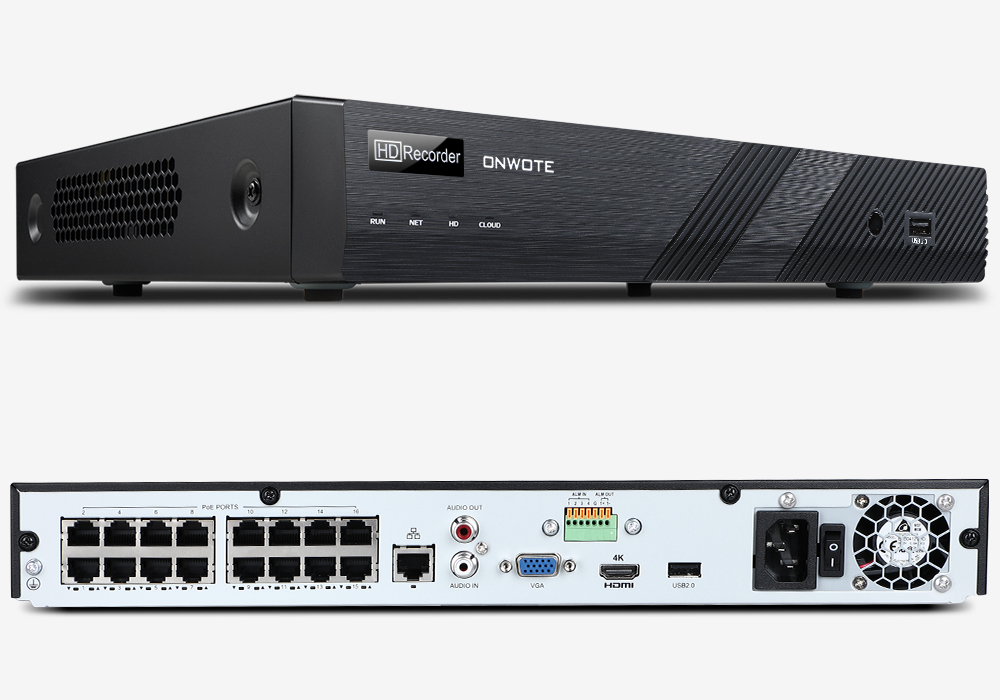
2. Right click your NVR mouse, choose Menu--System--Network--P2P to get the NVR QR code.
4. Go back to GuardViewer or Elink,follow the guide below to resgiter account and add device by scanning NVR QR code.
GuardViewer: https://youtu.be/JlJK7AZ75SE
Elink: https://youtu.be/CWe-2XKafHY
5. Try to view video remotely again.