Support Appointment Form
Please fill out the following information so we can provide you with timely phone support.



How to upgrade my PoE camera on computer
Before upgrading, please email us at support@onwote.com to get the latest version firmware.
1. Right click your mouse on NVR monitor, choose Menu—Network—TCP/IP to get the IP address of your system.
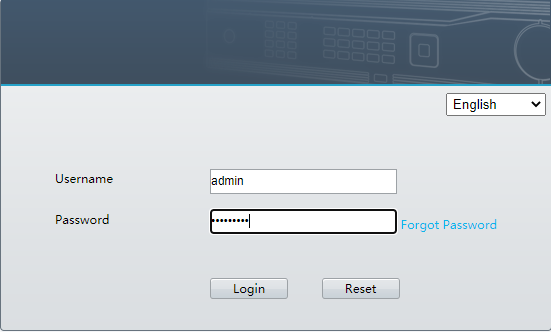
2. Please login this IP address using browser on computer/laptop.
Username: admin Password: the password you set for the security system
3. Choose Setup—Upgarde--IPC Upgrade, select camera, click Browse to select firmware, click Batch Upgrade to upgrade the NVR.